

Warum die Systemaktualisierung immer wieder verschoben wird
Die Anforderungen sind bekannt:
- Test und Entwicklung – neue Funktionen, parallele Entwicklungssysteme, Integration und UAT, Leistungstests sowie Produktionsdiagnosen, für die reale Daten benötigt werden
- Migration, Upgrade und HA/DR – Aufbau zusätzlicher Systeme in einer Konfiguration und einem Zustand, die der Produktionsumgebung nahekommen
- Schulung und Einarbeitung – präzise, aktuelle Umgebungen, ohne dass Live-Prozesse gefährdet werden
Avantra automatisiert diesen Prozess.
Wo bleibt nur die Zeit?
Ein typisches Runbook für eine Systemaktualisierung umfasst Dutzende von Seiten, und 50 Seiten sind keine Seltenheit! Dieser Aufwand bedeutet für ein Basis-Team Tage oder Wochen an Arbeit:
- Erstellen und Übertragen der Datenbanksicherung des Quellsystems
- Einsatz von Dekorations- und Maskierungswerkzeugen für sensible Produktionsdaten
- Logische Systemnamensumwandlung (BDLS)
- Konfiguration und Synchronisation des Transportsystems
- RFC-Ziele und Berechtigungen
- Aktivierung und Deaktivierung von Spools
- Änderungen an Benutzern und Anmeldedaten
- Verschlüsselungsschlüssel und Zertifikate
Eine gemeinsam genutzte Infrastruktur zwischen Quell- und Zielsystem stellt eine weitere Ebene dar. Ohne sorgfältige Isolierung kann ein aktualisiertes System auf Produktionsschnittstellen, Integrationen von Drittanbietern oder Dienste zugreifen, mit denen es eigentlich nicht kommunizieren sollte.
Genau diese Art von potenziellen Fehlern veranlasst die Teams bei Basis dazu, innezuhalten und besondere Vorsicht walten zu lassen. Die Folge sind veraltete Systeme und Aktualisierungen, die seltener erfolgen, als es das Unternehmen wünscht. Was wäre, wenn sich dies automatisieren ließe?
Was Avantra automatisiert
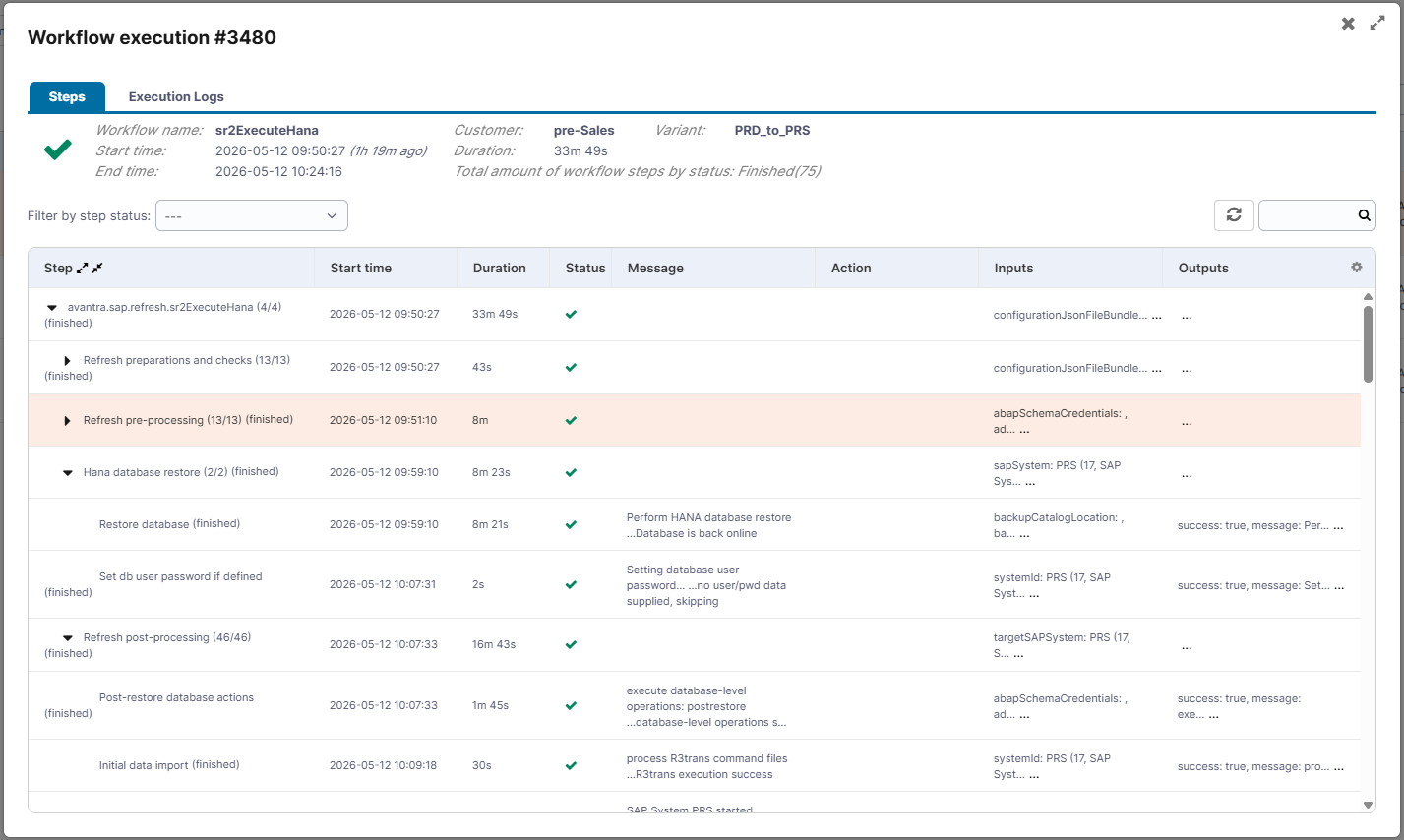
Avantra umfasst speziell entwickelte Automatisierungsfunktionen für die Kopie und Aktualisierung von SAP-Systemen, die auf zwei Jahrzehnten Erfahrung in der Verwaltung umfangreicher SAP-Landschaften basieren.
- Automatische Konfiguration
- Schnelles BDLS
- Systemisolierung
- Konsequente Umsetzung
- Häufige Aktualisierungen
Der Großteil der manuellen Konfigurationsschritte nach dem Kopieren erfolgt automatisch.
Avantra führt die Umbenennung parallel durch und nutzt dabei Rechenressourcen, die sonst ungenutzt blieben – der Unterschied zwischen einem seriellen Vorgang, der einen Tag dauert, und einem parallelen Vorgang, der innerhalb weniger Stunden abgeschlossen ist.
Das Zielsystem wird automatisch isoliert, wodurch das Risiko einer unbeabsichtigten Kommunikation mit Integrationen und Diensten des Quellsystems beseitigt wird.
Standardmäßige Vor- und Nachschritte werden jedes Mal auf dieselbe Weise ausgeführt und führen zum gleichen Ergebnis.
Ein geringerer Aufwand pro Aktualisierung führt direkt zu häufigeren Aktualisierungen, wodurch die Nicht-Produktionssysteme näher an den Produktionsdaten und dem Produktionsverhalten bleiben.
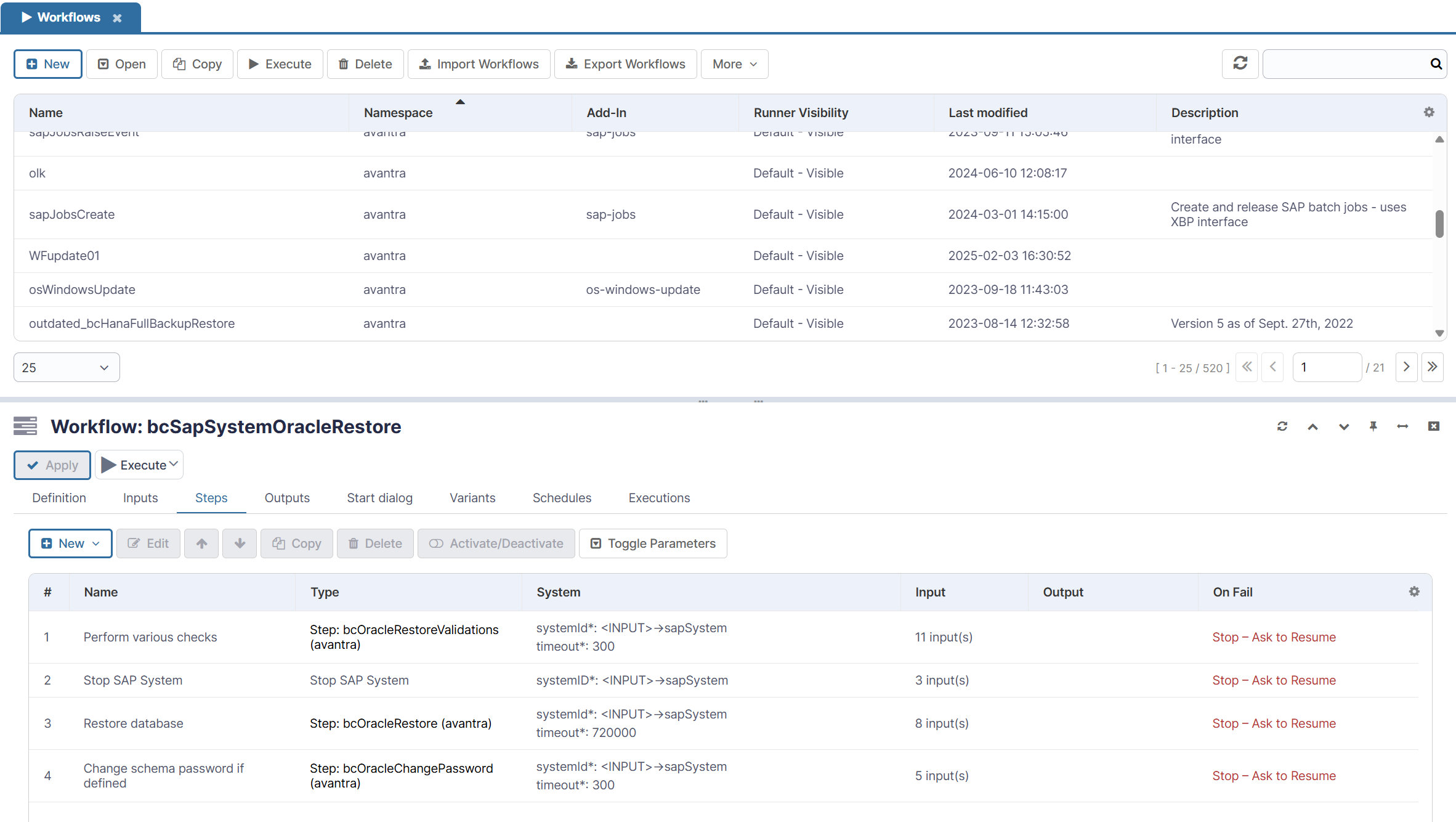
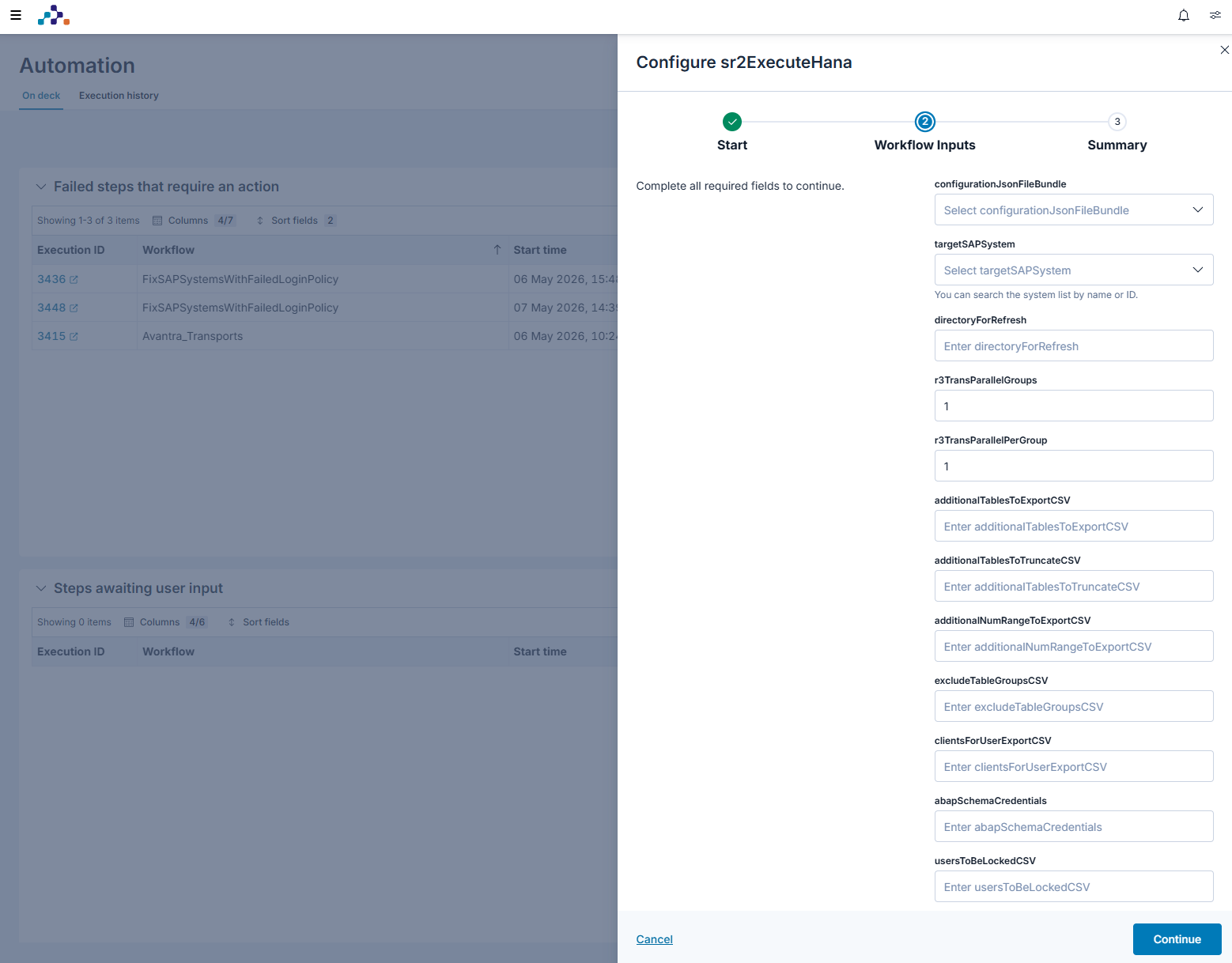
Workflows: speziell auf die Unterschiede zwischen den Systemen zugeschnitten
Kein SAP-System gleicht dem anderen. RFC-Ziele, Integrationen von Drittanbietern und nachgelagerte Abhängigkeiten variieren. Aus diesem Grund reicht eine generische Automatisierung der Aktualisierung oft nicht aus.
Die Workflows von Avantra sind für die komplexesten SAP-Landschaften ausgelegt. Dank integrierter Vorlagen für die SAP-Systemaktualisierung können Sie schnell loslegen. Fortgeschrittene Teams können die bestehende Ansible-Integration nutzen und im Rahmen der Aktualisierung sogar dynamisch Infrastrukturressourcen zuweisen.

FALLSTUDIE
Scotts Miracle-Gro erreicht eine um 95 % schnellere Systemaktualisierung
Bei der Verwaltung umfangreicher SAP-Workloads auf AWS hatte das schlanke IT-Team von ScottsMiracle-Gro mit manuellen, ressourcenintensiven Systemaktualisierungen zu kämpfen, die vier Tage dauerten und den Einsatz von fünf Mitarbeitern erforderten. Durch die Implementierung der intelligenten Automatisierung von Avantra konnten sie die Aktualisierungszeiten auf nur vier Stunden verkürzen. Heute kann ein einziger Techniker bis zu fünf SAP-Systeme gleichzeitig aktualisieren, wodurch sich das Basis-Team nun nicht mehr auf reaktive Wartungsaufgaben konzentrieren muss, sondern sich auf wertschöpfende Cloud-Innovationen konzentrieren kann.
Zuverlässige, hybride Observability und Automatisierung für den SAP-Betrieb – vom lokalen System bis zur Cloud.